Retention Labels vs Retention Policies is one of the most misunderstood topics in Microsoft 365 compliance—and I see organizations struggle with it every single day.
As someone who has designed, implemented, and audited retention solutions for regulated enterprises, I can confidently say this: choosing between retention labels and retention policies incorrectly can expose your organization to serious legal, regulatory, and data‑governance risks.
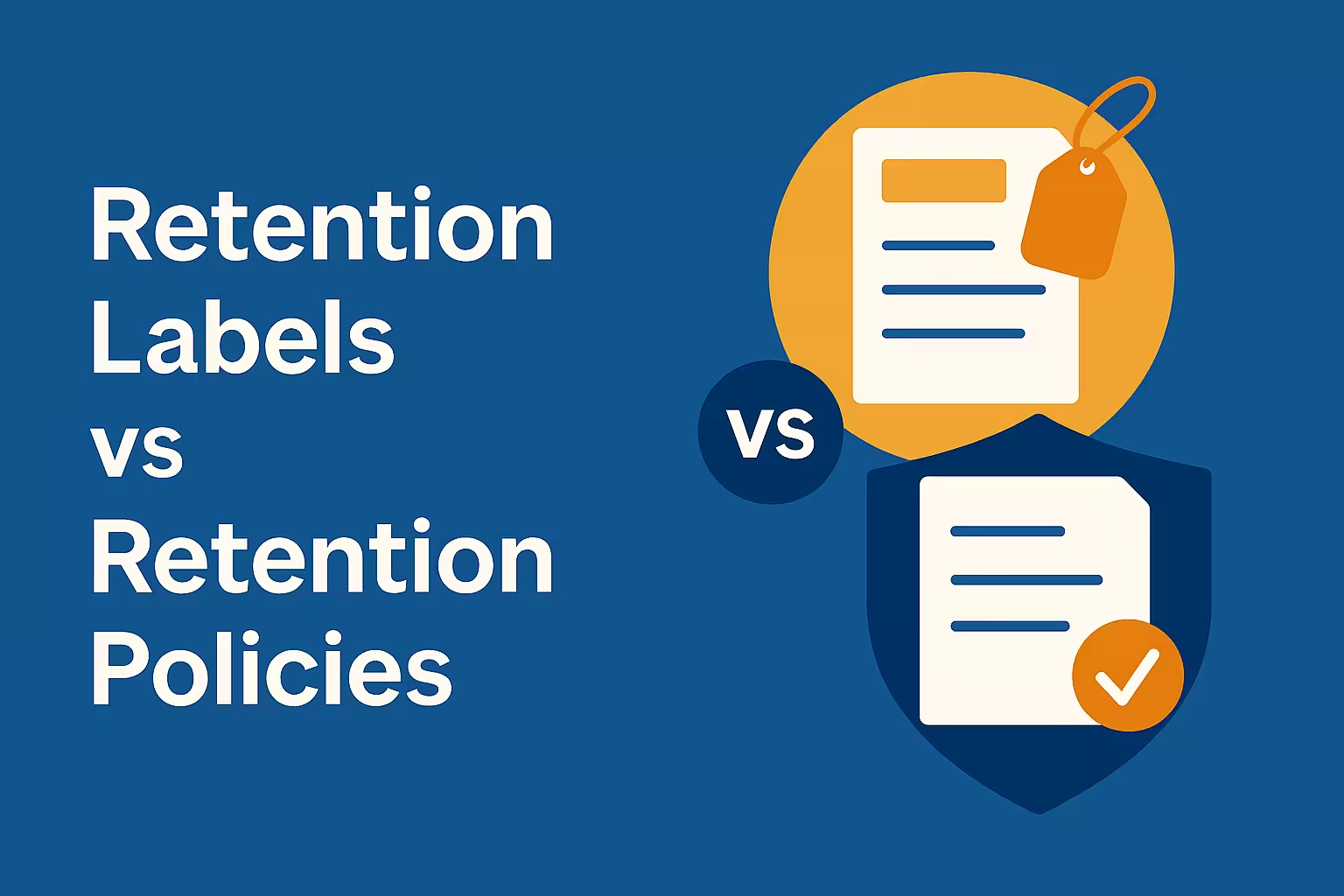
In this blog, I am going to teach retention policy management from the ground up, not just define terms. By the end, you will know exactly when to use retention labels, when to use retention policies, and how to build a compliance‑ready architecture that actually works in real‑world environments.
Top Microsoft 365 Compliance Features Every IT Admin Should Enable
Table of Contents
Why Understanding Retention Labels vs Retention Policies Is Critical
Before we dive deep, let me be blunt: retention is not about IT preference—it’s about risk management.
When auditors, regulators, or legal teams ask “Why was this data deleted?” or “Why wasn’t this data preserved?”, your answer must be supported by clearly defined retention configurations.
This is exactly where Retention Labels vs Retention Policies becomes a foundational decision.
Choosing the wrong method can lead to:
- Premature deletion of business records
- Over‑retention that increases legal discovery costs
- Inability to prove compliance
- User confusion and poor adoption
That’s why I always teach retention as a strategy first, not a technical setting.
The Retention Framework in Microsoft 365 (High‑Level Understanding)
To properly understand Retention Labels vs Retention Policies, you must first understand how Microsoft 365 thinks about data lifecycle management.
At a high level, Microsoft 365 offers two retention enforcement models:
- Location‑Based Retention (Retention Policies)
- Item‑Based Retention (Retention Labels)
This distinction is extremely important, and I’ll reinforce it throughout this guide.
What Are Retention Policies? (Location‑Based Retention Explained)
Retention policies are location‑based rules that apply retention uniformly across workloads.
How Retention Policies Work
When you create a retention policy, you:
- Define a retention period (e.g., 1 month, 1 year, 5 years, 7 years, indefinitely)
- Choose an action (retain, delete, or retain then delete)
- Apply it to locations such as:
- Exchange mailboxes
- SharePoint sites
- OneDrive accounts
- Microsoft 365 Groups
- Teams chats and channels
Once applied, everything in that location follows the same rule.
This is why retention policies are often called broad or blanket retention controls.
Strengths of Retention Policies
From an architectural perspective, retention policies are powerful when:
- You need organization‑wide enforcement
- You want minimal user involvement
- You are implementing baseline compliance requirements
Examples I teach in real projects:
- Retain all employee email for 7 years or only retain 30 days emails
- Delete OneDrive files 1 year after account deletion or 30 days
- Retain Teams chats for 3 years
In these scenarios, Retention Labels vs Retention Policies is not even a debate—policies are the correct choice.
Limitations of Retention Policies (Where They Fail)
However, retention policies have serious limitations that many admins ignore.
Retention policies:
- Cannot differentiate record types within the same location
- Apply the same rule to both trivial and critical content
- Offer limited flexibility for legal classification
This is where organizations realize that Retention Labels vs Retention Policies is not an “either/or” choice—but a layered strategy.
What Are Retention Labels? (Item‑Level Retention Explained)
Retention labels operate at the item level, not the location level.
With retention labels, retention travels with the content itself, regardless of where it lives.
How Retention Labels Work
A retention label defines:
- Retention duration
- Retention trigger (created date, modified date, event‑based)
- Disposition behavior (manual review or automatic deletion)
- Whether the item becomes a record
Labels can be applied:
- Manually by users
- Automatically based on conditions
- Via default labeling policies
- Via event‑based automation
This is where Retention Labels vs Retention Policies becomes a discussion about control and precision.
Strengths of Retention Labels
Retention labels shine in scenarios that require:
- Granular governance
- Regulatory recordkeeping
- Different retention rules in the same library or mailbox
Common examples I teach:
- Financial records retained for 7 years
- HR employee files retained for termination + legal duration
- Contracts retained until expiry + 10 years
Retention labels allow this without creating dozens of SharePoint sites or mailboxes.
Limitations of Retention Labels
Now let’s be honest—retention labels are not perfect.
Challenges include:
- User education and adoption
- Labeling errors if users choose incorrectly
- Configuration complexity
- Governance planning overhead
This is why many organizations start with policies and later add labels.
Again, this reinforces why understanding Retention Labels vs Retention Policies is essential before deployment.
Retention Labels vs Retention Policies: Side‑by‑Side Conceptual Comparison
Rather than listing a simple table, I teach teams to compare them using decision lenses.
Scope of Control
- Retention Policies: Broad, workload‑level
- Retention Labels: Precise, item‑level
User Dependency
- Retention Policies: Low
- Retention Labels: Medium to High (unless automated)
Compliance Flexibility
- Retention Policies: Limited
- Retention Labels: High
Best‑Fit Use Case
- Policies: Baseline retention
- Labels: Records management
This is the fundamental decision framework behind Retention Labels vs Retention Policies.
Real‑World Example: How I Design Retention Strategy
Let me teach you how this works in practice.
In enterprise environments, I typically design retention in three layers:
Layer 1: Global Retention Policies
These policies enforce:
- Minimum retention requirements
- Legal hold readiness
- Default data protection
Layer 2: Department‑Specific Labels
Retention labels classify:
- HR records
- Finance records
- Legal documents
Layer 3: Event‑Based Labels
Triggered by:
- Employee termination
- Contract expiration
- Case closure
This layered approach resolves most Retention Labels vs Retention Policies debates because it uses both correctly.
When to Use Retention Policies (My Clear Guidance)
You should use retention policies when:
- You want simplicity
- You want low operational overhead
- Your requirement applies to almost everything
- Users should not have control
If your compliance requirement sounds like:
“All X data must be retained for Y years or months”
Then you want a retention policy.
Ultimate Advantage: Litigation Hold and In Place Hold Explained for Exchange Admins
When to Use Retention Labels (My Expert Recommendation)
You should use retention labels when:
- Retention depends on content type
- Regulatory requirements vary by document
- You need record declaration
- You need defensible disposal workflows
If your requirement sounds like:
“Only specific records must be retained differently”
Then retention labels are essential.
How Retention Labels and Policies Work Together
Here is a critical concept I always teach:
The longest retention wins.
If an item has:
- A retention policy of 3 years
- A retention label of 7 years
The content will be retained for 7 years.
Understanding this precedence is mandatory when designing Retention Labels vs Retention Policies together.
Common Mistakes I See Organizations Make
Let me save you from common disasters:
- Using only retention policies for records management
- Applying labels without training users
- Over‑retaining everything “just to be safe”
- Not documenting retention rationale
- Forgetting disposition reviews
Every one of these mistakes originates from misunderstanding Retention Labels vs Retention Policies.
Governance and Documentation Best Practices
Retention configuration alone is not compliance.
I strongly recommend documenting:
- Why each policy exists
- Why each label exists
- Regulatory mapping
- Business ownership
- Review cycles
Auditors love documentation. Courts demand it.
Final Verdict: Retention Labels vs Retention Policies
So, which one should you use?
The correct answer—as I always teach—is:
You must use both, but for different purposes.
Retention policies give you control at scale. Retention labels give you precision and defensibility.
When you understand Retention Labels vs Retention Policies properly, retention stops being confusing—and starts becoming a strategic advantage.
Key Takeaways to Remember
- Retention policies = location‑based control
- Retention labels = item‑based governance
- Policies simplify; labels specialize
- Longest retention always wins
- Strategy matters more than configuration
- Retention lables always take precedence when both are applied
If you want to master Microsoft 365 compliance, this topic is non‑negotiable.
M365 Copilot Use Cases That Radically Transform Finance & Healthcare
Microsoft 365 Admin Center – Complete Expert Guide for Modern IT Administrators
Mailbox Auditing in Exchange Online: A Positive Guide for Secure Compliance
