Microsoft 365 Compliance Features are no longer “optional” for modern enterprises. They are essential. As an M365 administrator, your responsibility extends beyond uptime and user management—you are now the guardian of data, privacy, regulatory compliance, and organizational trust.
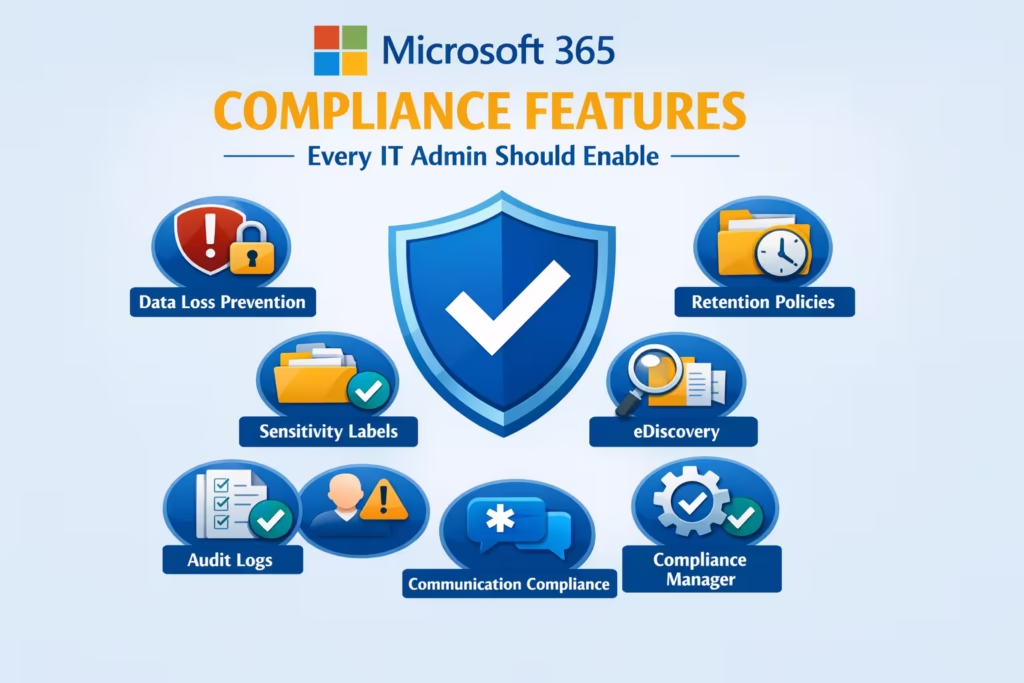
In this blog, I’ll teach you Microsoft 365 compliance from the ground up, exactly how I train enterprise IT admins. We’ll cover the most critical Microsoft 365 Compliance Features that every M365 admin must enable, why they matter, and how they protect your organization in real-world scenarios.
This is not marketing fluff. This is practical, admin-level guidance.
Table of Contents
Why Microsoft 365 Compliance Features Are Critical for IT Admins
Let’s start with the reality.
Modern organizations deal with:
- Sensitive customer data
- Employee personal information
- Intellectual property
- Regulatory mandates (GDPR, HIPAA, ISO, SOC, etc.)
Microsoft 365 Compliance Features are designed to:
- Reduce compliance risk
- Prevent accidental or malicious data loss
- Make audits painless
- Provide legal defensibility
Without properly enabling and configuring them, your tenant is vulnerable—even if security features are strong.
1. Microsoft Purview Compliance Portal – Your Control Center
The first thing I teach new admins is where compliance lives.
The Microsoft Purview compliance portal is the central hub for all Microsoft 365 Compliance Features. This is where governance, data protection, risk management, and compliance reporting intersect.
Why it matters:
- Unified compliance management
- Consistent policy enforcement
- Role-based access for compliance officers
What every M365 admin should do:
- Assign Compliance Administrator roles appropriately
- Restrict access using least privilege
- Familiarize yourself with Solutions, Policies, and Reports
Teaching tip: If you can navigate Purview confidently, you’re already ahead of 70% of IT admins.
2. Data Loss Prevention (DLP) – Stop Data Before It Leaks
Among all Microsoft 365 Compliance Features, Data Loss Prevention (DLP) is non-negotiable.
DLP protects sensitive data from being:
- Shared externally
- Sent via email
- Uploaded to Teams, SharePoint, or OneDrive
What DLP protects:
- Credit card numbers
- Aadhaar / PAN (India-specific)
- Medical data
- Financial records
- Passport number
Best practice I teach:
- Start with Microsoft’s built-in templates
- Enable policy tips before blocking
- Monitor alerts for 2–4 weeks
- Gradually enforce restrictions
Remember: DLP is about education first, enforcement second.
Using Microsoft 365 Compliance Features like DLP properly reduces business disruption while improving compliance maturity.
3. Sensitivity Labels – Classify and Protect Data
If you don’t classify data, you can’t protect it effectively.
Sensitivity labels are one of the most powerful Microsoft 365 Compliance Features for enterprise data governance.
What sensitivity labels do:
- Classify content (Public, Internal, Confidential)
- Apply encryption automatically
- Control sharing behavior
- Add visual markings (headers, footers, watermarks)
Real admin advice:
- Keep labels simple (4–6 max)
- Auto-label high-risk data
- Combine with Conditional Access
Teaching insight: Sensitivity labels turn compliance from “manual policing” into automated governance.
Proven Conditional Access Policy Best Practices for Stronger Cloud Security
4. Retention Policies – Control the Data Lifecycle
One of the most misunderstood Microsoft 365 Compliance Features is retention.
Retention is not just about keeping data—it’s about disposing of data correctly.
Why retention matters:
- Regulatory requirements
- Legal investigations
- Reduced storage risk
- Lower breach impact
What every IT admin should enable:
- Organization-wide retention defaults
- Workload-specific policies (Exchange, SharePoint, Teams)
- Immutable retention where required
If you keep data forever, audits become painful. If you delete too soon, legal risk explodes. Retention balances both.
5. Audit (Standard & Premium) – Visibility Is Compliance
You cannot defend what you cannot prove.
Audit logs are foundational Microsoft 365 Compliance Features that give you activity visibility across your tenant.
Mailbox Auditing in Exchange Online: A Positive Guide for Secure Compliance
What Audit provides:
- User and admin activity tracking
- Mailbox access logs
- File downloads and shares
- Policy changes
My expert recommendation:
- Enable Audit (Standard) immediately
- Upgrade to Audit (Premium) for extended retention and advanced insights
In security incidents, audit logs are your first line of legal defense.
6. eDiscovery (Standard & Premium) – Legal Readiness
Whether you like it or not, legal requests happen.
Microsoft 365 Compliance Features like eDiscovery help M365 admins respond without chaos.
What eDiscovery allows:
- Search across mailboxes and sites
- Place legal holds
- Export defensible evidence
- Track legal case workflows
Teaching point:
- Grant access only to legal/compliance staff
- Test eDiscovery before you need it
- Document your legal response process
When legal knocks, panic is not an option. Preparation is.
7. Insider Risk Management – Detect Risky Behavior
Compliance isn’t just about external threats.
Insider Risk Management is one of the most advanced Microsoft 365 Compliance Features available today.
What it detects:
- Data exfiltration
- Policy violations
- Suspicious user behavior
- Intent-based risks
Admin best practices:
- Start with low-severity alerts
- Maintain privacy boundaries
- Collaborate with HR and Legal
Insider risk tools should guide investigations—not create a culture of surveillance.
8. Communication Compliance – Monitor Regulated Communication
For regulated industries, Communication Compliance is essential.
This Microsoft 365 Compliance Feature helps monitor:
- Emails
- Microsoft Teams chats
- Attachments
- Language violations
Common industries:
- Finance
- Healthcare
- Government
- Education
Admin advice:
- Define policies carefully
- Use reviewers instead of auto-actions
- Track false positives early
9. Compliance Manager – Measure and Improve Your Score
Compliance is continuous—not a one-time task.
Compliance Manager helps evaluate your compliance posture against:
- GDPR
- ISO 27001
- NIST
- Industry frameworks
Why I recommend it:
- Actionable improvement tasks
- Built-in compliance scoring
- Audit-ready documentation
Teaching mindset: Compliance Manager turns compliance from stress into structure.
How to Prioritize Microsoft 365 Compliance Features (Admin Roadmap)
If you’re overwhelmed, follow this order:
- Audit Logs
- DLP
- Sensitivity Labels
- Retention Policies
- eDiscovery
- Insider Risk
- Communication Compliance
This roadmap ensures you implement Microsoft 365 Compliance Features logically, without breaking productivity.
Final Thoughts: Compliance Is an Admin Superpower
Mastering Microsoft 365 Compliance Features separates average IT admins from trusted enterprise architects.
Compliance is no longer about “checking boxes”—it’s about:
- Protecting users
- Protecting data
- Protecting the business
- Protecting yourself
If you treat Microsoft 365 compliance as a skill, not a burden, your career value increases dramatically.
Microsoft 365 Admin Center – Complete Expert Guide for Modern IT Administrators
Microsoft 365 Email Encryption: Complete How‑To Guide
DKIM and DMARC Record Guide: A Powerful Interview Mastery Resource
